Fashion Creator Style Studio
What players say
Fashion Creator Style Studio offers a delightful creative outlet for fashion enthusiasts. The customization tools are intuitive, allowing players to experiment with countless outfit combinations. The runway judging adds a fun challenge, encouraging players to balance creativity and harmony. Saving favorite designs to a portfolio is a nice touch for tracking progress. Overall, it is a polished and enjoyable game for all ages.
How to play
Game Introduction
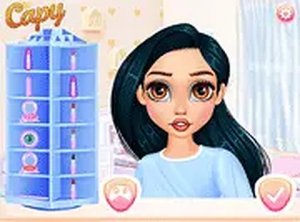
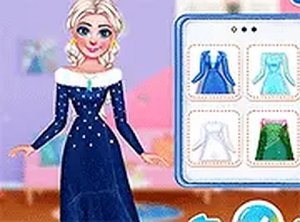
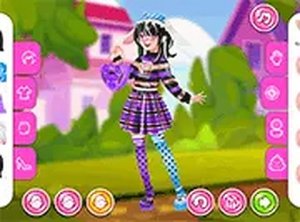
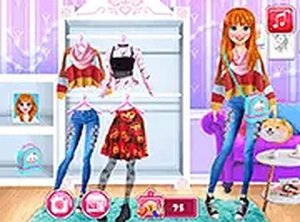
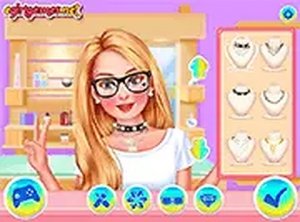
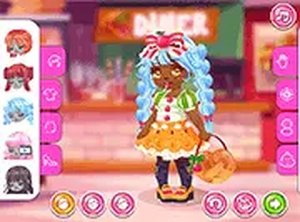
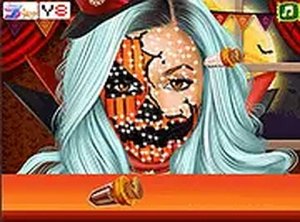
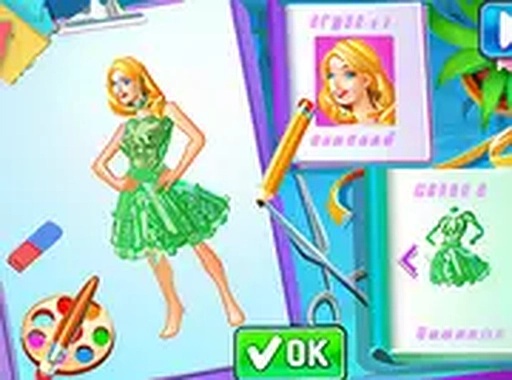
Fashion Creator Style Studio is an interactive fashion design experience that encourages players to express their creativity through clothing, hairstyles, and makeup. The game begins by selecting a base look or character, then using simple customization tools to mix and match different items. The core objective is to create a harmonious and luxurious style that stands out. Once the design is ready, it is presented on a runway where it is judged on creativity, luxury, and overall harmony. This game encourages artistic expression and offers endless style possibilities, making it perfect for fashion lovers of all ages who enjoy design and self-expression.
How to Play
To play, start by choosing a base look or character to work with. Use the available customization tools to change clothes, hairstyles, and makeup. You can mix and match different accessories to create a harmonious and luxurious style. Once you are happy with your design, head to the runway where your look will be judged. After the show, you can save screenshots of your favorite designs to your portfolio. The game is easy to play with simple clicks and drags, making it suitable for all ages.
Game Features
Key features include creative customization that allows you to change clothes, hairstyles, and makeup. Runway judging scores your design based on creativity, luxury, and harmony. You can save screenshots of your best designs to build a personal portfolio. The game is free to play with no downloads needed and works on both mobile and desktop devices.
Tips for Success
To create winning designs, focus on balancing colors and patterns to achieve harmony. Experiment with different combinations of clothing and accessories to discover unique looks. Pay attention to the judging criteria—creativity, luxury, and harmony—and try to excel in each area. Save your favorite designs to track your progress and inspire future creations. Practice regularly to improve your styling skills and develop a signature fashion sense.